
How to Tell When a Photo Was Taken
Start with DateTimeOriginal in the original image, then compare other EXIF dates and file timestamps before treating the result as reliable.
Read the guidePage 2 of 5. Practical explanations, no mystery-meat security claims.
Start with DateTimeOriginal in the original image, then compare other EXIF dates and file timestamps before treating the result as reliable.
Read the guide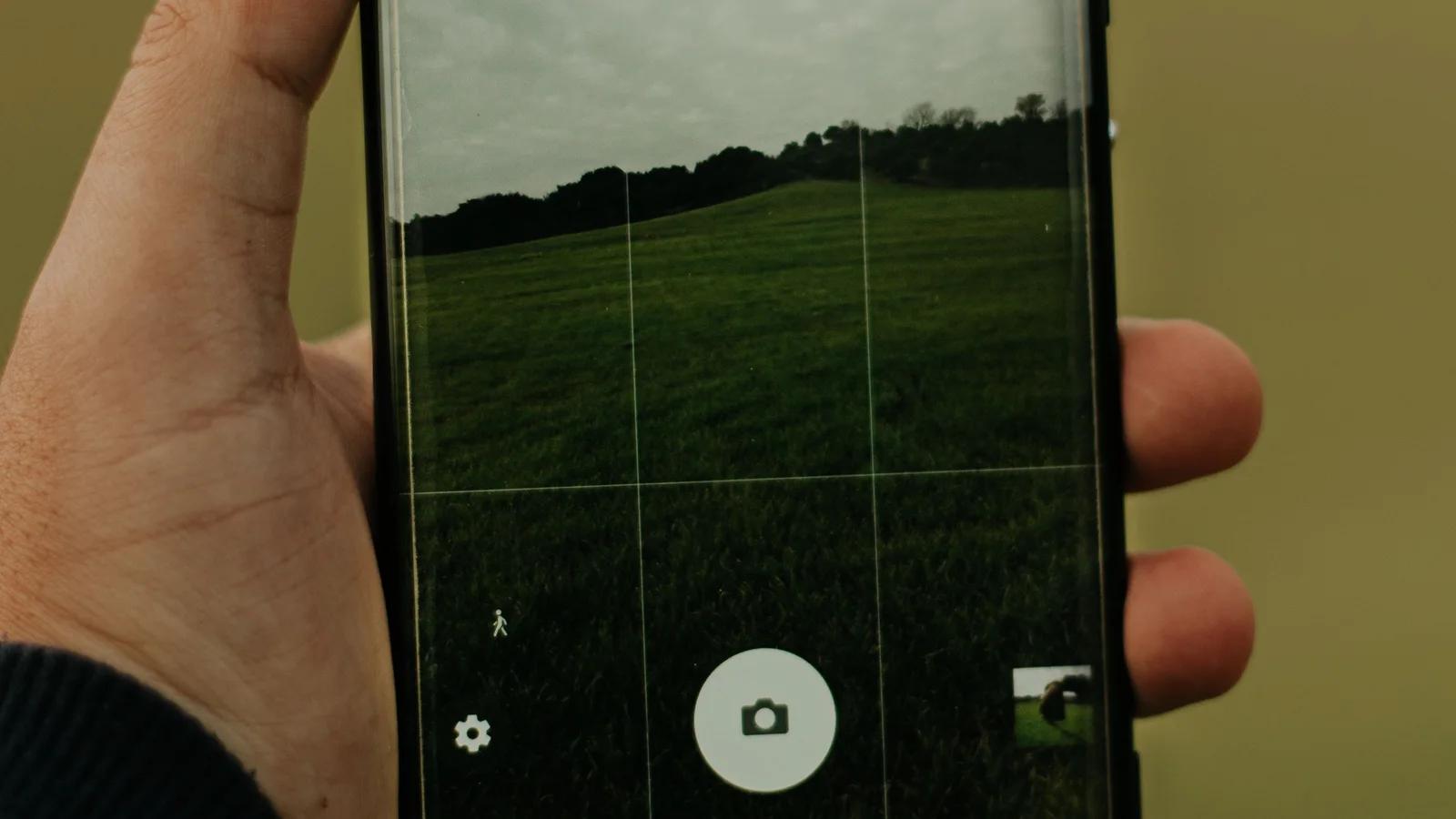
Open a photo's Info or Details panel for a quick look, then inspect the original file when you need the complete EXIF, GPS, XMP, or IPTC record.
Read the guide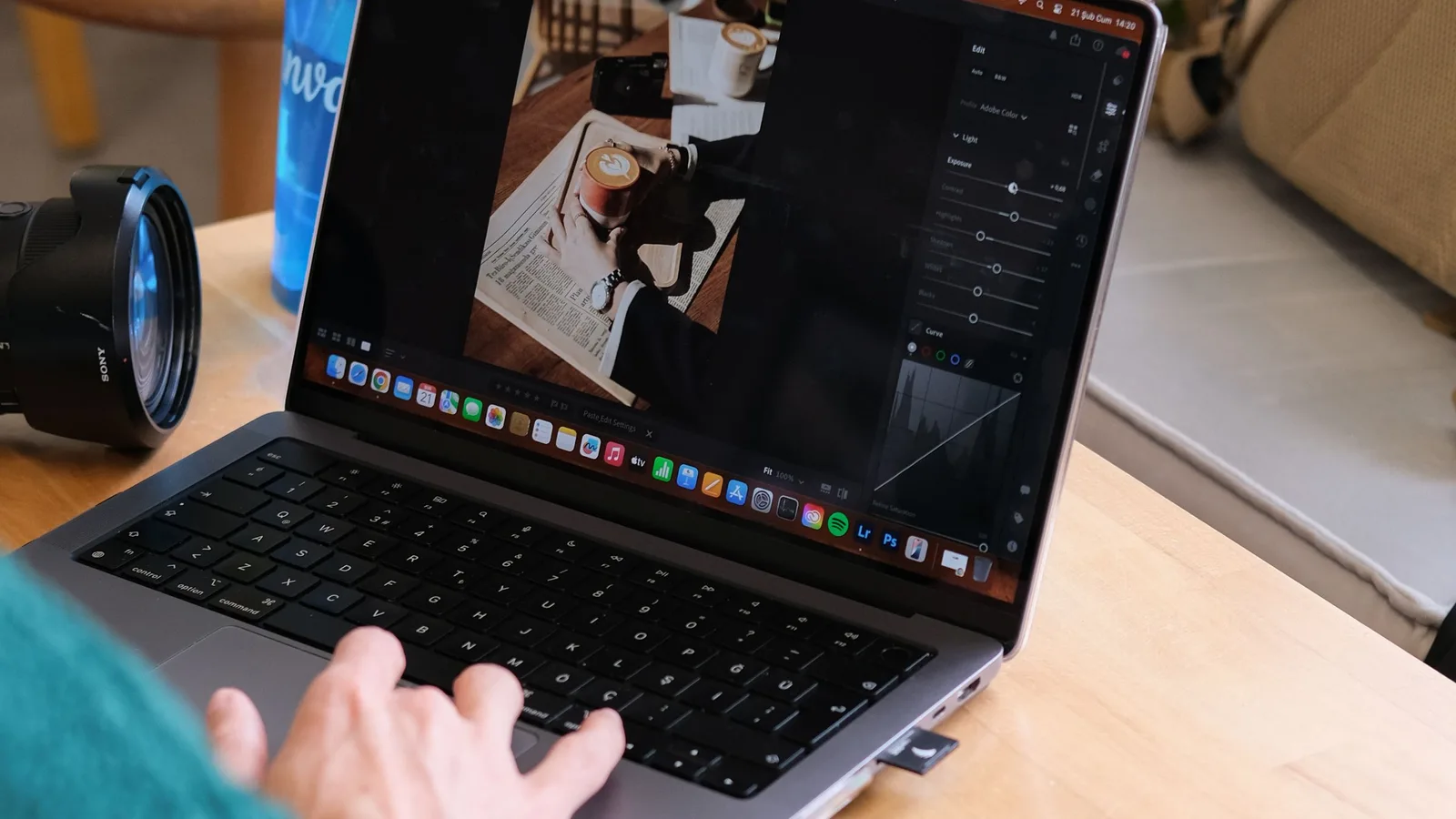
Open the exact image file in a metadata viewer to check its camera details, capture date, GPS, software, author fields, and other embedded records.
Read the guide
XMP can carry ratings, captions, creator details, edit settings, rights, dates, and location data inside a file or in a sidecar beside it.
Read the guide
A Word file can keep author names, company details, dates, template names and custom properties. Clean a copy, handle comments separately, and scan the result.
Read the guide
A PDF can keep names, dates, software, titles, keywords, and XMP after its pages look anonymous. Remove those fields, rewrite the file, and scan the result.
Read the guide