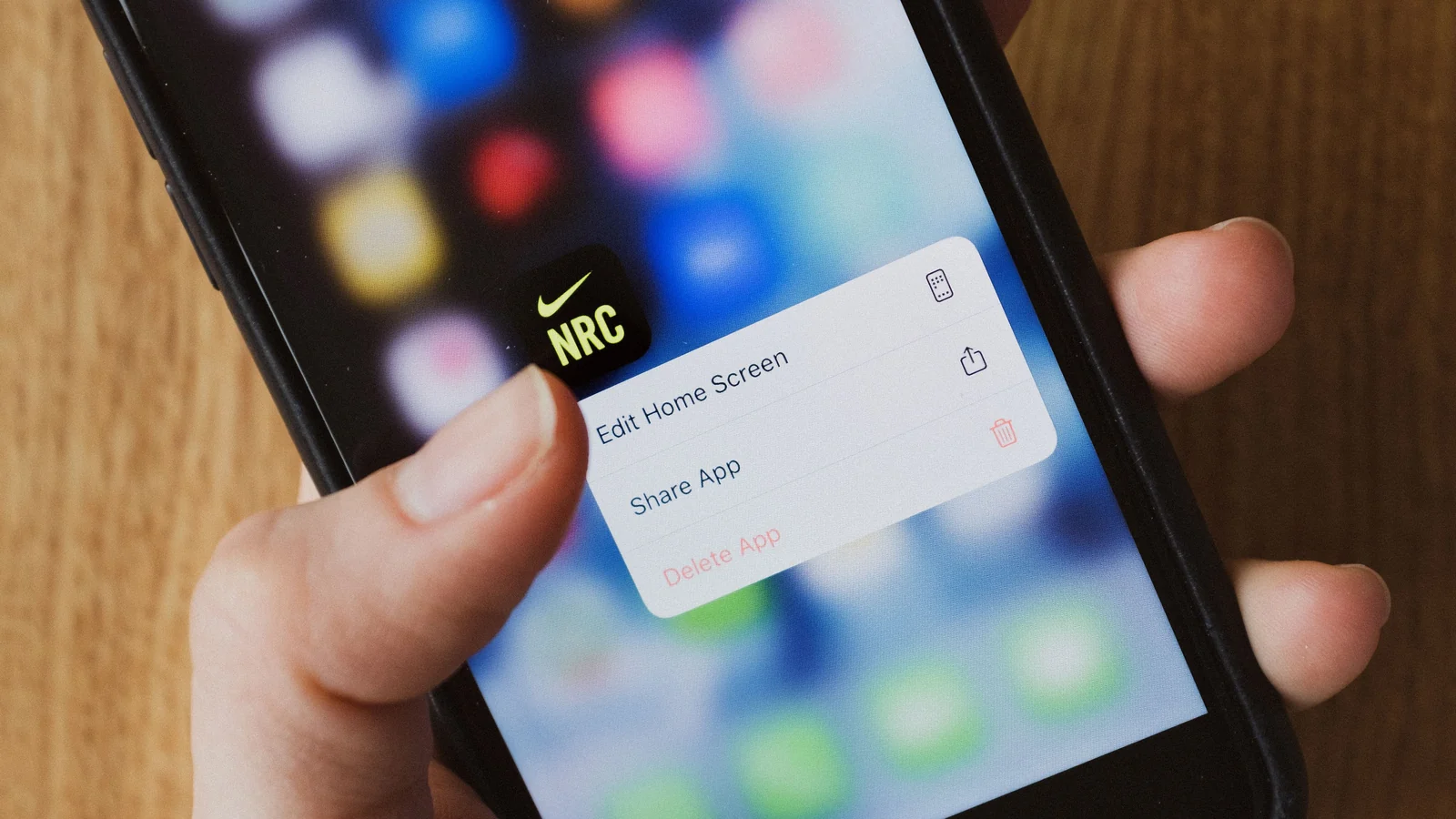
Do Screenshots Have Metadata? What iPhone, Android, Windows, and Mac Save
A screenshot is a new image, not a copy of the original file. It usually drops camera EXIF and GPS, but it is not blank or anonymous.
Read the guideStart here
A screenshot is a new image, not a copy of the original file. It usually drops camera EXIF and GPS, but it is not blank or anonymous.
Read the guidePage 1 of 5
Check a photo's embedded camera settings, capture time and GPS. Then find out why another app or a shared copy might give you a different answer.
Read the guide
Decide which details your files need, where those details live, who maintains them, and what should leave with a shared copy. Start with one small collection.
Read the guide
Start with Properties > Details, then check the original file when Windows hides camera settings, GPS coordinates, or the date a photo was taken.
Read the guide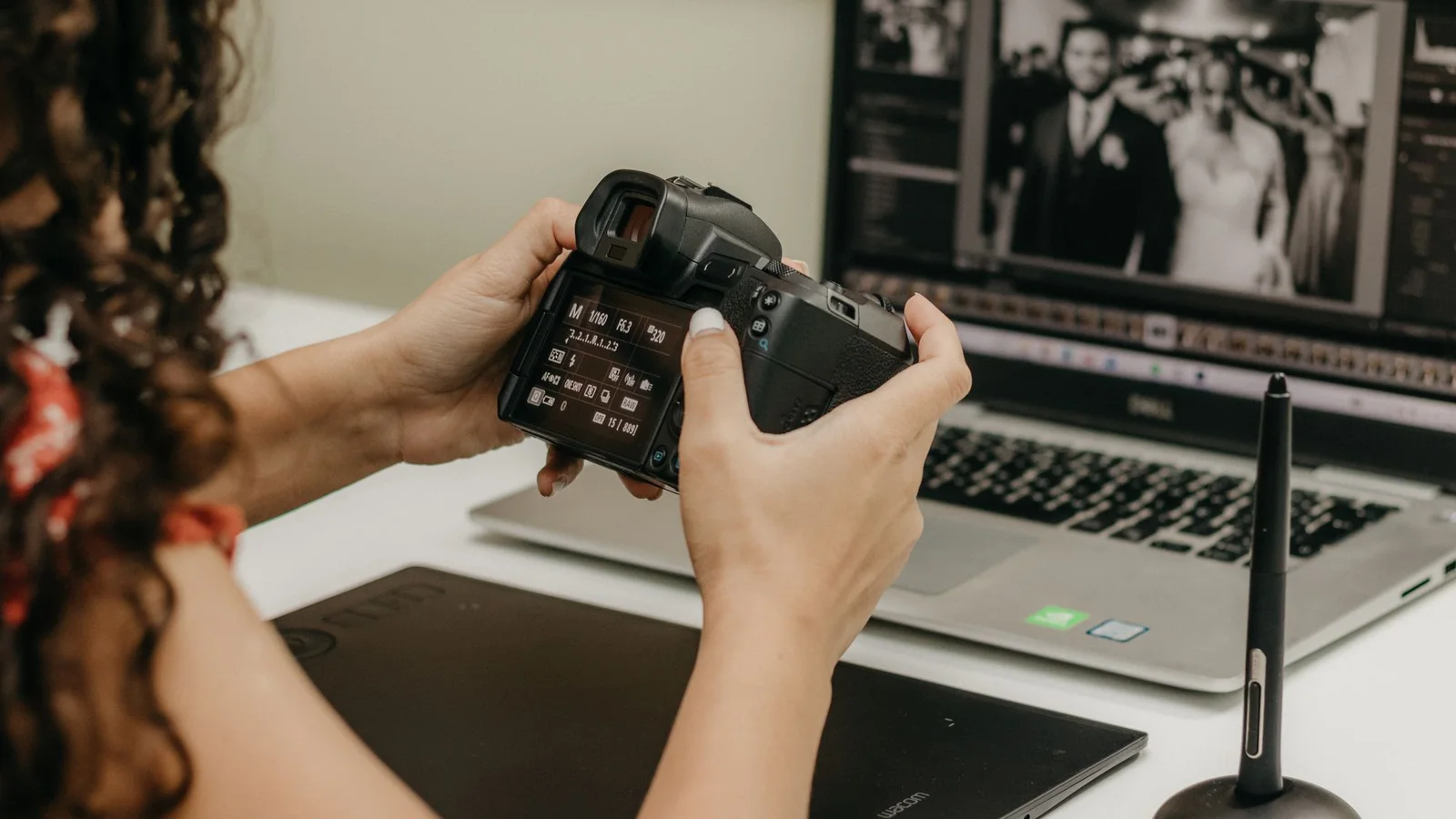
EXIF is the part of photo metadata that records camera details, capture settings, dates, orientation, and sometimes GPS. Here is how to read it without confusing it with file dates or app data.
Read the guide
The original photo may record its camera, lens, ISO, aperture, shutter speed, and focal length in EXIF. Here is where to find those fields—and what a missing field really means.
Read the guide
Use Finder for a quick file summary, Preview or Photos for camera details, and a full metadata viewer when macOS leaves out EXIF or GPS fields.
Read the guide